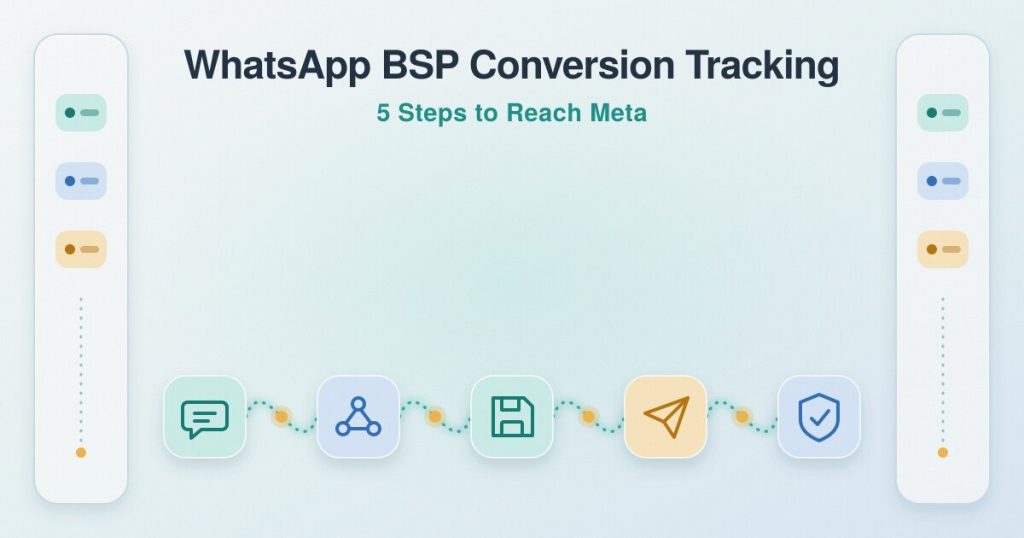
WhatsApp BSP Conversion Tracking: 5 Proven Steps to Reach Meta
Table of Contents
ToggleWhat makes WhatsApp BSP conversion tracking different from the Cloud API?
On a BSP you do not own the Meta app that sends events. Your provider sits in the middle and receives the WhatsApp webhook, so the whole job comes down to one thing: get the ad click ID out of your provider and into the Conversions API for business messaging. If you run your own Cloud API app instead, the direct setup is a separate path, covered in track WhatsApp conversions. For the wider picture of how the API works, see the Conversions API for Business Messaging guide.Step 1: Where does the click ID arrive in your BSP webhook?
It arrives in the inbound message webhook, the one your BSP fires when a customer first messages you. When that customer came from a Click-to-WhatsApp ad, the referral data includes the ad click ID, but each provider names the field differently. Twilio, for example, exposes it as ReferralCtwaClid, per its changelog of 15 March 2024. Other providers use other names, so confirm the exact field with your provider’s support or webhook documentation rather than assuming. The value you are looking for is the ctwa_clid, and finding it is where WhatsApp BSP conversion tracking begins.Step 2: How do you store the click ID against the contact?
Capture the click ID the moment the first inbound webhook arrives, and save it against that contact before you send any reply. Store it exactly as received, with no trimming or reformatting, in whatever holds your leads, a CRM field or a sheet. The reason is timing. The referral data is attached to the first message, not to later ones, so if you do not grab it up front, it is gone by the time the sale happens.Step 3: What do you send to the Conversions API when a sale happens?
When the conversation turns into a sale or a qualified lead, send a server event to the Conversions API for business messaging with the stored ctwa_clid and the correct event name. This send step is the core of WhatsApp BSP conversion tracking. Meta’s guidance is to send ctwa_clid whenever it is available, because it identifies the originating ad click directly and matches more reliably than hashed customer information. Pick the event name from Meta’s supported list: Purchase, LeadSubmitted, InitiateCheckout, AddToCart, ViewContent, OrderCreated, OrderShipped, OrderDelivered, OrderCanceled, OrderReturned, CartAbandoned, QualifiedLead, RatingProvided and ReviewProvided. There are two ways to send it. Use your BSP’s own Conversions API feature if it has one, after checking that it forwards the ctwa_clid and the event name you need, or run a small server or automation that receives the BSP webhook and sends the event itself.Step 4: What if the click ID is missing?
Sometimes the inbound webhook carries no click ID, because the chat did not start from an ad or the provider did not pass it along. Meta allows a fallback that matches on hashed customer information, but it comes with real limits, so treat it as a backup rather than a plan. On this path page_id is required, and an event that omits page_id is rejected even when it carries valid customer information, so a WABA ID on its own is not enough. You also need at least one hashed customer information parameter, the ad interaction has to fall within the past seven days, it works only in a subset of countries, and a match is not guaranteed. When the click ID keeps going missing, the cause is usually upstream in the webhook, which is walked through in ctwa_clid missing from the WhatsApp webhook. The seven-day window and how this attribution behaves are covered in Click-to-WhatsApp ads attribution.Step 5: How do you confirm the event actually reached Meta?
Confirming delivery is the final step of WhatsApp BSP conversion tracking. Do not assume an event landed just because your code returned success. Check Events Manager for the dataset and confirm the event appears with the click ID or customer information attached. To inspect a single payload before you trust the whole pipe, paste it into the free CAPI debugger, which flags missing fields like page_id or a malformed ctwa_clid so you can see the problem without reading Meta’s entire spec.What should you ask your BSP’s support team?
Most of WhatsApp BSP conversion tracking depends on what your provider exposes, so a few direct questions settle it fast:- Does your inbound webhook include the Click-to-WhatsApp ad click ID, and under what field name?
- Can I forward or copy webhooks to my own endpoint URL?
- Do you have a built-in Conversions API feature, and which event names does it send?
- Does that feature include the ctwa_clid, or only customer information?
- Is the referral data on the first inbound message only, or also on later messages?