CUSTOMER_NOT_ALLOWLISTED_FOR_THIS_FEATURE: 3 Proven Fixes to Restore Google Ads Offline Imports
Table of Contents
ToggleWhat CUSTOMER_NOT_ALLOWLISTED_FOR_THIS_FEATURE means
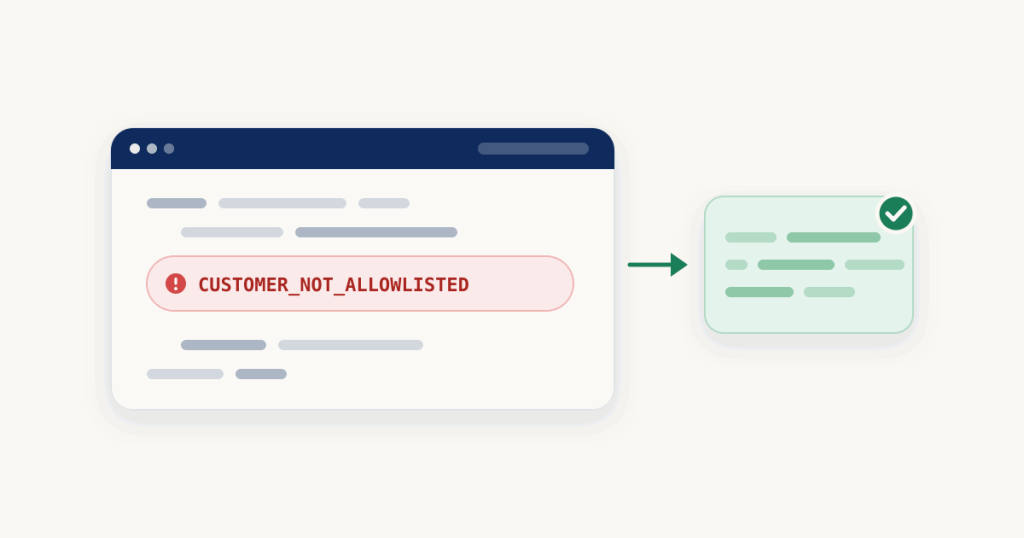
Google now restricts offline conversion imports through the older Google Ads API method,ConversionUploadService.UploadClickConversions. Enforcement happens at the developer token level: Google keeps an allowlist of tokens that already imported offline conversions in a recent qualifying window, and tokens outside that list are rejected with this error. New adopters were cut off from 15 June 2026.Google describes the qualifying window slightly differently in different places, so check your own usage rather than a fixed date: if the developer token making the call did not send offline conversion uploads in that window, it is not allowlisted, and every UploadClickConversions call returns CUSTOMER_NOT_ALLOWLISTED_FOR_THIS_FEATURE. Enhanced conversions for leads sit behind the same change.Who sees this error
It shows up on fresh setups and anyone whose developer token is new to offline conversions:- A new Google Ads API integration uploading offline conversions for the first time.
- An agency connecting a new client through a developer token that never imported offline conversions.
- A CRM, connector or script that technically can upload but never did inside the window.
How to fix CUSTOMER_NOT_ALLOWLISTED_FOR_THIS_FEATURE
There is no form to request allowlisting and no setting that reopens the old path. The fix is to send the same conversions through the Data Manager API, which is now Google’s primary route for offline conversion imports. It uses its own OAuth scope (datamanager), separate from the Google Ads API.1. Send the conversion through the Data Manager API
Here is the same click conversion in both shapes. Old, withUploadClickConversions:
POST .../customers/CUSTOMER_ID:uploadClickConversions
{
  "conversions": [
    {
      "gclid": "GCLID_1",
      "conversionAction": "customers/CUSTOMER_ID/conversionActions/CONVERSION_ACTION_ID",
      "conversionDateTime": "2025-06-10 15:07:01-05:00",
      "conversionValue": 30.03,
      "currencyCode": "USD"
    }
  ],
  "partialFailure": true
}events:ingest request:
POST https://datamanager.googleapis.com/v1/events:ingest
{
  "destinations": [
    {
      "operatingAccount": { "accountType": "GOOGLE_ADS", "accountId": "CUSTOMER_ID" },
      "productDestinationId": "CONVERSION_ACTION_ID"
    }
  ],
  "events": [
    {
      "adIdentifiers": { "gclid": "GCLID_1" },
      "eventTimestamp": "2025-06-10T15:07:01-05:00",
      "eventSource": "WEB",
      "transactionId": "ABC798654321",
      "conversionValue": 30.03,
      "currency": "USD"
    }
  ],
  "validateOnly": true
}productDestinationId, the account goes in operatingAccount with accountId as digits only, the click ID moves into adIdentifiers.gclid, and the time becomes eventTimestamp in ISO 8601 with a time zone offset. eventSource is required. transactionId stays for deduplication.If you already have an old request to convert, the debugger turns it into a Data Manager API request for you.Convert your old requestEvery check runs in your browser.2. If a CRM or tool does the upload, ask the vendor one question
When the uploads come from a CRM, connector or third-party tool rather than your own code, you cannot change the API yourself. Ask the vendor one thing: does the tool already support Google’s Data Manager API for offline conversions. If yes, switch to it in their settings. If not, that is the real blocker, and no change on your side will clear the error.3. Validate before you trust it
Send the request withvalidateOnly set to true first. That runs Google’s fast-fail checks without ingesting anything, so a bad field is caught before it reaches the account. Once it passes, send it for real and check the request status to confirm the events were processed rather than assuming a 200 response means success.Common mistakes after switching
- snake_case field names. The Data Manager API uses camelCase, so
event_timestamportransaction_idwill be rejected. - Value sent in micros.
conversionValueis a plain decimal like30.03, not micros. - Customer ID with hyphens.
accountIdis digits only, no dashes. - No consent for EEA or UK users. Send the consent signals where they are required, or matching can be dropped.