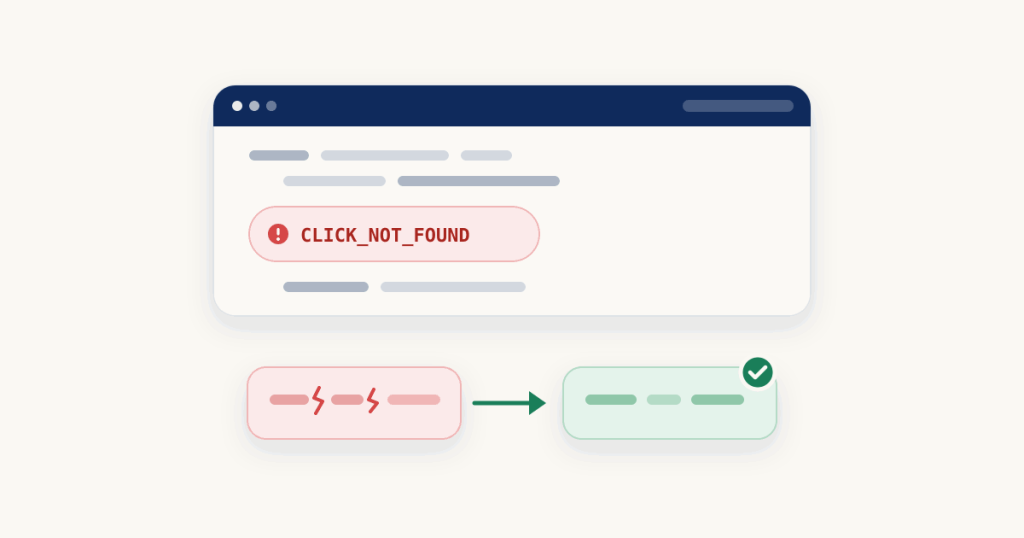
CLICK_NOT_FOUND Google Ads: 3 Proven Fixes for Offline Conversion Uploads
Your offline conversion upload came back with CLICK_NOT_FOUND, and the conversion did not record. On the old Google Ads API the error is CLICK_NOT_FOUND, and on the Data Manager API the request status shows it as a ClickNotFound processing error. Both mean the same thing: Google received your upload but could not match the click ID you sent to a real click.
What CLICK_NOT_FOUND Google Ads means
Google describes CLICK_NOT_FOUND as a corresponding click that cannot be found for the attributes you provided. In plain words, the gclid in your conversion does not line up with any click Google has on record. This is not a permissions problem and not a format ban. It is Google looking for the click your gclid points to and coming back empty, so the three causes below are all about why that lookup fails.
Fix 1: The gclid was damaged on the way
This is the most common cause. The gclid is long and fragile, and anything that alters it, trimming it short, adding spaces, URL encoding it, or changing its case, can leave a value that no longer matches the real click. Confirm it by comparing the gclid you stored against the one that arrived in the landing page URL, character for character.
Here is a damaged gclid next to the same value stored correctly:
Damaged:  Cj0KCQiA...k9symbol%3D   (URL encoded, trailing junk)
Correct:  Cj0KCQiA...k9symbol    (exactly as it arrived)
Fix: store and send the gclid exactly as it appears in the URL, with nothing added, cut or re-encoded.
Check your gclid
Every check runs in your browser.
Fix 2: The gclid did not come from a Google Ads click
Google can only find a click it generated. If the gclid came from somewhere other than a Google Ads campaign click, a test value, a click ID from another platform, or a link that was never a real ad click, there is nothing for Google to match. Google marks this case as the event not being attributable to a click. Confirm it by checking where the gclid was captured: it should come only from visitors who arrived through a Google Ads click, carrying the gclid Google added to the URL. Fix: capture the gclid only from real Google Ads clicks, and do not send placeholder or cross-platform IDs into Google.
Fix 3: The click is too recent to be found
A click needs a little time to become findable. If you upload the conversion very soon after the click, Google can report that the click occurred too recently. Confirm it by comparing the click time with your upload time. Fix: wait before uploading, and if a conversion fails only for this reason, retry it later rather than treating it as lost. You can
check your click and upload times in the debugger.
One thing not to confuse it with
If the gclid is a real Google Ads click but belongs to a different Google Ads account than the one you are uploading to, you get a different error, INVALID_CUSTOMER_FOR_CLICK, not CLICK_NOT_FOUND. If you see that one instead, the click is fine and the account is the mismatch.
How to stop it happening again
Almost every CLICK_NOT_FOUND Google Ads case traces back to how the gclid was stored. Save the gclid exactly as it arrives on the landing page, the moment it arrives, into a text field long enough to hold the full value without truncating it. If the field is too short or the value is cleaned up on the way in, you are back to a damaged gclid and the same error.
For the wider picture, see
all the reasons offline conversions do not show up. If your upload fails on the legacy API with an allowlist error instead, that is
a different fix, and the move to the newer route is covered in
Google Data Manager API for offline conversions. More single error fixes are on the
debug hub. If you have the full error response,
paste the full error response into the error explainer. Google’s own reference is the
ConversionUploadError reference.
Frequently asked questions
Can I upload the same conversion again after fixing the gclid?
Yes. CLICK_NOT_FOUND rejects that row, it does not block the conversion forever. Once you have the correct gclid stored, send the conversion again with the fixed value and it can match and record.
Why do only some rows get this error?
Because it is judged per click ID. Only the rows whose gclid is damaged, not a Google click, or too recent fail to match, while rows with a clean, findable gclid record normally. That is why a batch can come back partly recorded.
Can gbraid or wbraid conversions get this too?
Yes. The same not-found problem applies to gbraid and wbraid click IDs. If one of those is altered on the way or cannot be matched to a click, the upload fails to find it in the same way, so store those exactly as they arrive as well.