WhatsApp Business Usernames: 7 Essential CRM Changes to Make Now
Table of Contents
ToggleWhat changed with WhatsApp business usernames?
Two things changed. Users can now reserve a username, and Meta identifies each user with a business-scoped user ID, or BSUID, within your business portfolio.A BSUID is a two-letter country code, a period, then up to 128 alphanumeric characters. Business username reservations began on 29 June 2026, and BSUIDs have appeared in webhooks since early April 2026. This is live now, not a future change. If you are still getting set up, the WhatsApp business verification step comes first.Why does a long-time customer suddenly look like a brand new contact?
When a user adopts a username, Meta leaves their phone number out of your webhooks. Without the number, your CRM has nothing familiar to match on, so the person looks new.There is a second cause. Per Meta, phone numbers and related data are retained for a maximum of 30 days. A message from a customer you have not spoken to in longer can arrive as what looks like a new thread, even though it is the same person.Which fields must your CRM store from now on?
Your matching key is no longer the phone number. Store the BSUID and its related fields from every webhook.- user_id in the contacts block
- from_user_id on incoming messages
- recipient_user_id in the statuses block
- user_id together with previous_user_id in system messages
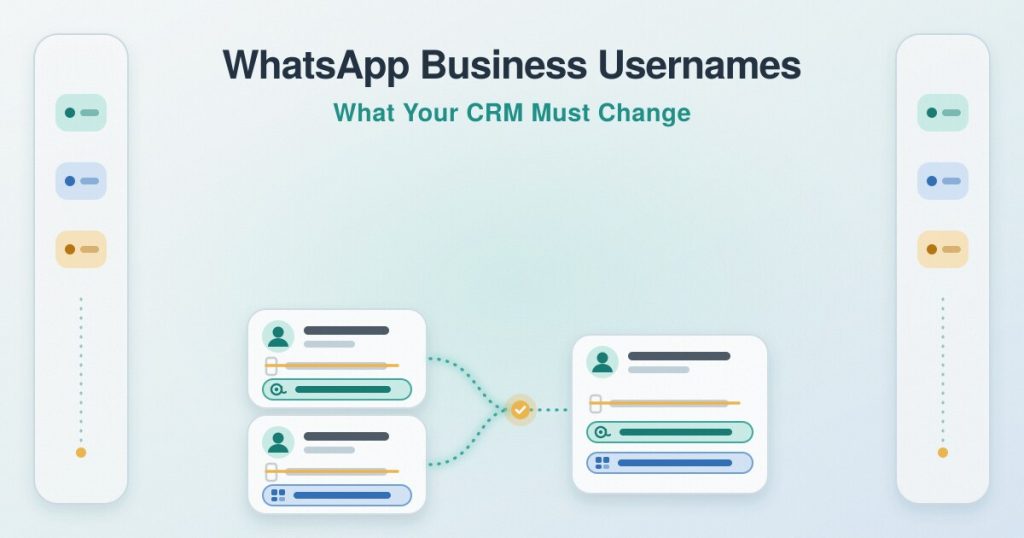
How do you keep one customer record when their BSUID changes?
A BSUID stays the same within your portfolio, with one exception. It is regenerated when the user changes their phone number.When that happens, the system message carries previous_user_id. Store it and use it to link the old record to the new one, so a single customer does not split into two. This is the main way WhatsApp business usernames can quietly fragment a CRM if you ignore it.When can you still get a phone number, and when can you not?
You still receive the number in a few cases: you exchanged a message or call with it in the last 30 days, evaluated per business phone number, or the user is in your contact book.Meta hosts that contact book at the portfolio level. It needs no integration work, stores only interactions after launch, and its data fills webhook payloads only, not API responses. A read-only GET to the contact_book edge returns a boolean present flag.If you still need the number, the REQUEST_CONTACT_INFO button has been available since early July 2026, so you can ask the user directly.What if you run more than one business portfolio?
If several portfolios are involved, parent BSUIDs can identify the same user across your linked portfolios. They use an ENT prefix, for example US.ENT.11815799212886844830.parent_user_id appears in webhooks only when parent BSUIDs are enabled, alongside from_parent_user_id, to_parent_user_id and recipient_parent_user_id. Meta advises building logic to handle multiple identifiers, mapping them back to your CRM, and, with multiple portfolios, considering a central CRM solution across them. Routing several businesses on one number is its own topic, covered in multi-tenant WhatsApp Cloud API.What should you change in your CRM this month?
A short checklist to get ahead of WhatsApp business usernames before records drift.- Add BSUID fields and make the BSUID your primary contact key
- Keep the phone number as secondary, present only when Meta sends it
- Handle system messages and store previous_user_id to merge records on a number change
- Stop assuming every numberless contact is new; check the BSUID first
- Decide how you will request a number when you truly need one