WhatsApp AI Bookkeeping: 7 Smart Ways to Record Expenses by Chat
Table of Contents
ToggleHow does WhatsApp AI bookkeeping work?
A staff member sends a message to the business number. The system receives it through the WhatsApp Cloud API, passes the content to an AI model that extracts the amount, date, vendor and category, and sends back a short summary for confirmation. Once confirmed, the entry is written to a ledger, a Google Sheet or an accounting platform through its API.The confirmation step is what makes WhatsApp AI bookkeeping usable rather than risky. The AI never writes straight to the books. It proposes an entry, the sender or the owner taps to accept or corrects one field, and only then does the record become final. A rejected entry is dropped and nothing is left half saved.Everything runs on Meta’s WhatsApp Cloud API, which is the official way for a business to send and receive messages programmatically on a WhatsApp Business number.7 ways a WhatsApp expense tracking bot records money in and out
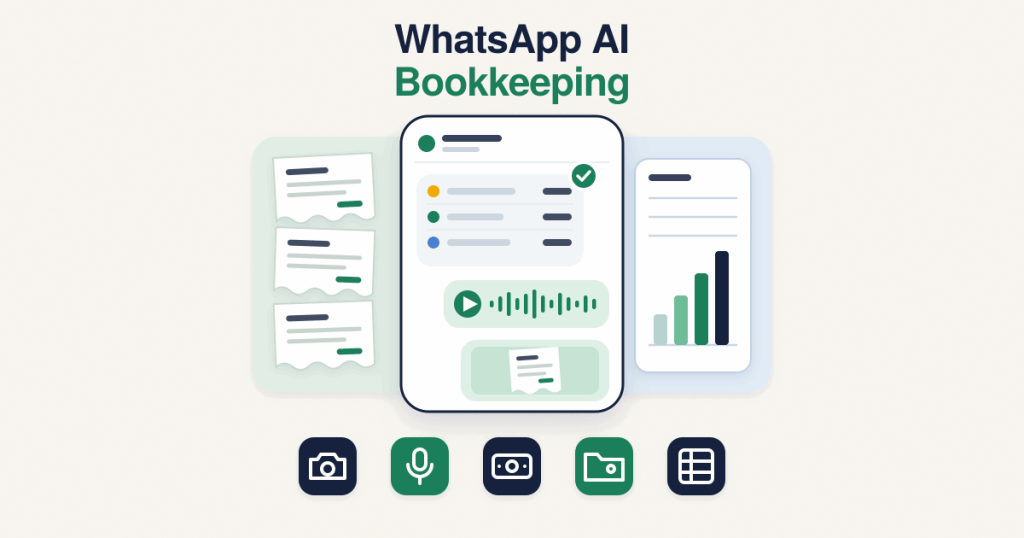
A WhatsApp expense tracking bot is not limited to photographs of receipts. These are the seven entry paths worth building in, and most businesses end up using four or five of them daily.- Receipt photos. Snap the slip at the counter and send it. No filing, no shoebox, no re-typing at month end.
- Voice notes. A driver can say “paid 2200 for fuel at the station near the warehouse” without stopping to type.
- One line typed entries. “Lunch 450 client meeting” is enough for the model to produce an amount, a category and a note.
- Income and payments received. The same flow records money coming in, so the ledger is not expenses only.
- Automatic categories. Each entry is placed into a category from your own chart of accounts, not a generic list.
- Attribution to the sender. Every record carries which staff member submitted it, which answers the “who spent this” question before it is asked.
- Export where your accountant works. Entries sync into Google Sheets, or into Xero, QuickBooks or Zoho Books through their APIs, so nobody has to rebuild the month by hand.
What can WhatsApp receipt scanning actually read?
WhatsApp receipt scanning handles printed thermal receipts, invoices as PDFs, bank transfer screenshots and photographs of handwritten bills with reasonable accuracy. Modern vision models cope well with a crumpled slip photographed at an angle in poor light, which is what real receipts look like.Where it struggles is predictable. Faded thermal paper with no visible total, receipts in a script the model handles poorly, and bills where the tax lines are ambiguous all produce uncertain extractions. The right behaviour in those cases is for the bot to say which field it could not read and ask for that one value, rather than guessing and writing a wrong number into the books.What should stay manual?
Plenty. WhatsApp AI bookkeeping is a capture layer, not an accountant. The AI suggests, a person approves, and several tasks never leave human hands.- Review and approval. Every entry needs a human to accept it. This is the control that keeps a wrong extraction out of the ledger.
- Bank reconciliation. Matching recorded entries against the actual bank statement stays a deliberate, periodic job.
- Tax treatment and filing. What is deductible, how VAT or GST is handled, and what gets filed is work for your accountant.
- Year end adjustments. Depreciation, accruals and closing entries are judgement calls, not message parsing.
Is an AI bookkeeping bot allowed on WhatsApp?
This is the question to settle before any build, and the honest answer is that it depends on your country and on the terms in force when you launch.Meta updated its WhatsApp Business Solution Terms to restrict general-purpose AI assistants on the platform, meaning services whose main purpose is to be an all-round chatbot. Bots built to carry out a specific business task sit in a different category. Since that change, Meta has also narrowed where the restriction applies, following regulatory pressure in several markets, so the position is not identical everywhere and it has moved more than once.What that means in practice: a bot that records your expenses, answers questions about your own ledger and nothing else is a focused business tool, not a general assistant. Keep it scoped to your business data, and read Meta’s WhatsApp Business Solution Terms for your own country before you go live. Nothing on this page is legal advice.What does it cost to run on the Cloud API?
Two separate costs: what Meta charges for messages, and what it costs to host the system.On the Meta side, the WhatsApp Business Platform moved to per message pricing on 1 July 2025, replacing the older conversation based model. According to Meta’s pricing documentation, messages sent from a WhatsApp user to a business are not charged, and non template messages sent inside an open customer service window are free. Marketing template messages are always charged, and rates vary by country.That pricing shape suits WhatsApp AI bookkeeping unusually well. Your staff start the conversation, which costs nothing, and the bot replies inside the service window their message opened, which also costs nothing. The chargeable messages are the ones you choose to push out, such as a monthly summary sent as a template after the window has closed.The hosting side is the real running cost: a small server, a database, and whatever the AI model charges per receipt processed. For a team sending a few dozen entries a day this stays modest, but it is a running cost rather than a one time build, and it should be budgeted that way.Is the financial data safe?
Your expense records are some of the most sensitive data in the business, so the access model matters more than the features.Three things decide it. First, where the data lives: in a database you control, not scattered across a chat history. Second, who can see what: staff should be able to submit entries and see their own, while totals, categories and the full ledger stay with the owner and whoever is given the finance role. Third, what happens to the original files: receipt images should be stored deliberately with a retention rule you set, not left to accumulate forever.Worth saying plainly: anyone who can send messages to the business number can submit an entry. That is exactly why the approval step is not optional.WhatsApp bot or a separate bookkeeping app?
| WhatsApp bot | Separate bookkeeping app | |
|---|---|---|
| Staff adoption | High, no new app to install or learn | Low, needs logins and training |
| Speed of one entry | Seconds, a photo or a voice note | A minute or more of form filling |
| Review step | Built into the chat, confirm or correct | Separate review screen, often skipped |
| Reporting depth | Summaries and exports, lighter by design | Full reports, statements and tax tooling |
| Offline use | Message queues and sends when back online | Varies by app |
| Best role | Capturing entries at the moment they happen | Closing the books and filing |