action_source Missing in Meta CAPI: 5 Causes and a Quick Fix
Table of Contents
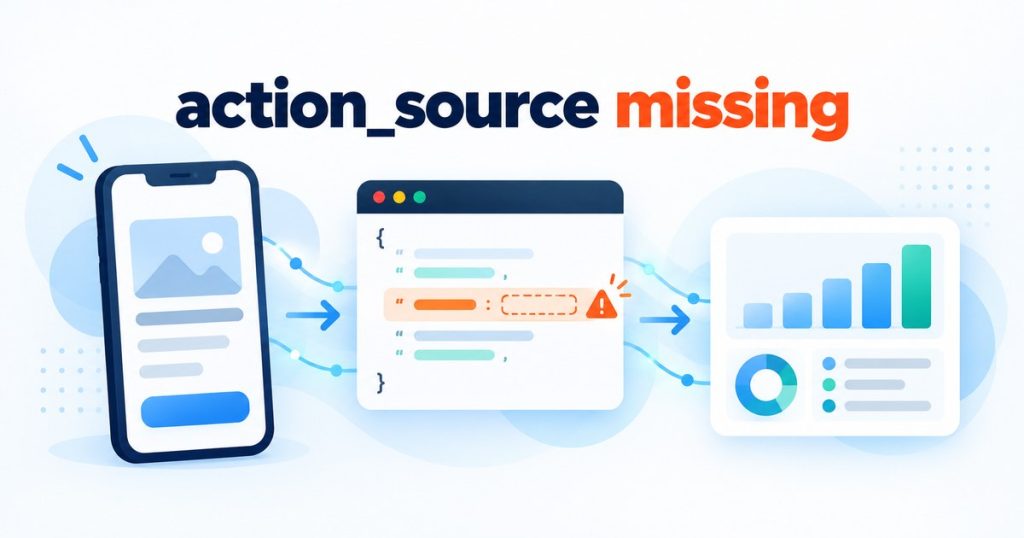
ToggleShort answer: your Meta Conversions API app event was sent without the action_source field. Meta lists this field as Required in its server event reference. For events that come from a mobile app, add "action_source": "app" to every event object. For events from a website, the value is "website".
This guide is for app developers and marketers who send app events to Meta through the Conversions API, either from their own server or through an MMP. Below you will find the exact wording from Meta’s documentation, a wrong and a corrected payload, the five most common causes, and the fix steps.
The button opens the mobile app attribution debugger with a sample payload that shows this exact error. Everything runs in your browser.
What Meta’s documentation says about action_source
In the Conversions API server event parameters reference, Meta marksaction_source as Required and describes it like this: “This field allows you to specify where your conversions occurred.”Meta also states that by using the Conversions API you agree that the value you send is accurate to the best of your knowledge. The documented values are:app: the conversion was made on your mobile appwebsite: the conversion was made on your websitebusiness_messaging: the conversion came from ads that click to Messenger, Instagram or WhatsAppemail,phone_call,chat,physical_store,system_generatedandother
What happens when action_source is missing
An event withoutaction_source does not follow Meta’s documented event format. Depending on how you send it, the event can be rejected or flagged, and it may not count toward measurement or optimization the way you expect. Because the field is required, the safe approach is to treat a missing action_source as a blocking problem and fix it before you look at anything else. The mobile app attribution debugger reports it the same way: as a blocking finding.Wrong vs corrected app event payload
Here is a Purchase app event with the field missing. Everything else is in place, so this is the only fault:{
"data": [
{
"event_name": "Purchase",
"event_time": 1761570000,
"event_id": "order_10492",
"user_data": {
"em": ["HASHED_EMAIL_SHA256"]
},
"app_data": {
"advertiser_tracking_enabled": 1,
"application_tracking_enabled": 1,
"extinfo": ["i2","com.example.myapp","1.4.2","1.4.2.118","17.5.1","iPhone15,2","en_US","PDT","Carrier","1179","2556","3.00","6","128","64","America/Los_Angeles"]
},
"custom_data": {
"currency": "USD",
"value": 29.99
}
}
]
}"action_source": "app" added to the event:
{
  "data": [
    {
      "event_name": "Purchase",
      "event_time": 1761570000,
      "event_id": "order_10492",
      "action_source": "app",
      "user_data": {
        "em": ["HASHED_EMAIL_SHA256"]
      },
      "app_data": {
        "advertiser_tracking_enabled": 1,
        "application_tracking_enabled": 1,
        "extinfo": ["i2","com.example.myapp","1.4.2","1.4.2.118","17.5.1","iPhone15,2","en_US","PDT","Carrier","1179","2556","3.00","6","128","64","America/Los_Angeles"]
      },
      "custom_data": {
        "currency": "USD",
        "value": 29.99
      }
    }
  ]
}event_id for deduplication, app_data.advertiser_tracking_enabled, and an extinfo array of 16 values in a fixed order, so check those too.5 common causes of a missing action_source
- A website payload reused for the app. Teams copy a working web event template, and some web setups never added the field, or the app path was built from a different template.
- A typo or wrong key name. Keys such as
actionSource,action-sourceorsourceare notaction_source. Meta does not read them asaction_source, so the field is effectively missing. - The field is set in one code path only. It is added for Purchase but not for Install, Registration or your custom events, so some events pass and others fail.
- It is set on the wrong level. The value is added once at the top of the request instead of inside each object in the
dataarray. It belongs on every event. - A middleware or custom template drops it. A custom postback template, a serverless function, or a mapping layer between your app and Meta builds the final payload without the field, or an empty environment variable turns it into an empty string.
How to fix it, step by step
- Log one full request body exactly as it leaves your server or middleware, before it reaches Meta.
- Look inside every object of the
dataarray. Each one needs its ownaction_source. - Set the value to
"app"for mobile app events, or"website"for website events. Use the value that is true for where the conversion happened. - If you use a mapping layer or MMP template, add
action_sourcethere instead of patching single events, so every event type inherits it. - Add a small check in your code that rejects any event without
action_sourcebefore sending it. - Resend a test event and confirm it in Events Manager, then paste the payload into the debugger to confirm the finding is gone.
other just to make the error disappear. Meta asks you to send an accurate value, and app is the correct one for events that happen in your mobile app.Check your own payload
Paste your payload into the mobile app attribution debugger and it will tell you whetheraction_source is present, and flag other problems in the same event. You can start from the sample first:Sending web or Click-to-WhatsApp events instead? Use the CAPI debugger. For more fixes like this one, go back to the debug hub.Frequently asked questions
Is action_source required for Meta Conversions API events?
Yes. Meta’s server event parameters reference marksaction_source as Required. Send it with every event.Which action_source value should I use for mobile app events?
Useapp. For events from a website, use website.Can I set action_source once for the whole request?
No. It is a field of each event object inside thedata array, so every event needs its own value.Will adding action_source alone fix my app events?
Not always. For app events, Meta’s guide also requiresapp_data.advertiser_tracking_enabled and an extinfo array of 16 values, and it asks for event_id for deduplication.Can I use “other” to stop the warning?
It is a documented value, but Meta asks you to send an accurate one. Useapp for app events so that your data describes where the conversion really happened.