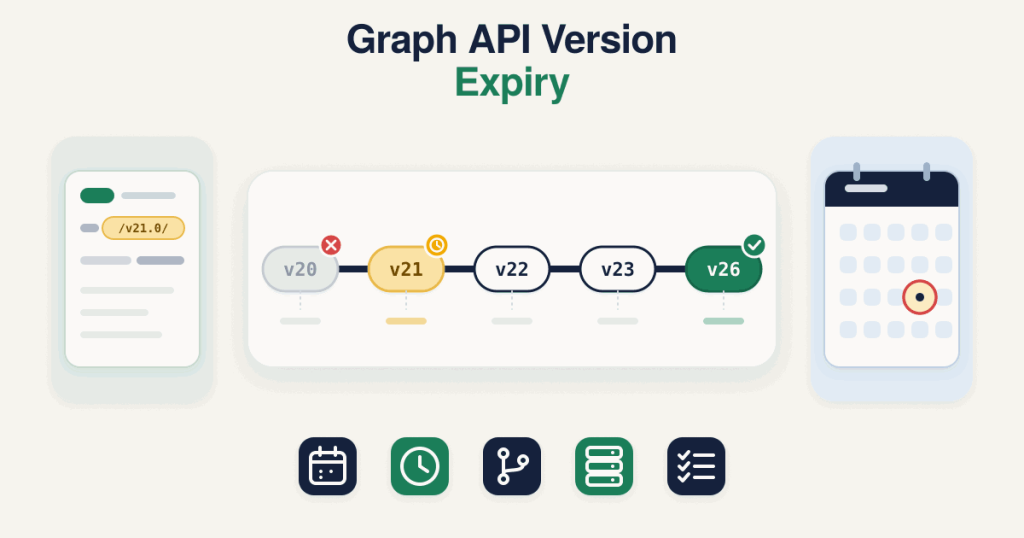
Graph API Version Expiry: 5 Safe Steps to Upgrade Before Yours Stops
Table of Contents
ToggleA Graph API version is the dated release of Meta’s API that your request names in its URL, such as the v21.0 in graph.facebook.com/v21.0. Meta publishes an expiration date for each one, and once that date passes, calls to that version stop working. Meta lists the dates per version on its own page rather than as a fixed rule, so the schedule is worth checking rather than assuming.
That matters because the quiet parts of your stack, your Conversions API server events and your WhatsApp Cloud API messages, both call a specific Graph API version. When it expires, those calls can start failing with nothing obvious to point at, which is why Graph API version expiry is worth understanding before it touches your tracking.
When does each Graph API version stop working?
Each Graph API version has its own expiration date, and Meta ships a new version every few months, so any date printed inside a post goes stale fast. To keep the schedule in one place, the live release and expiry dates sit on a single reference table that this post links to instead of repeating. Graph API version expiry follows a predictable schedule, so the table is all you need to plan around.
See the current Graph API version and the full expiry schedule on the reference table.
As an example of how to read it, the newest release is the version marked as current there, while an older line such as v21.0 already shows a published expiry you can plan around. Trust that table over memory, because the current version keeps moving forward.
What a version expiry deadline really means
A version’s expiry date is a deadline to be off that version, not the day to start moving. Once the date passes, a request sent to that version is calling something that no longer exists, so anything still pinned to it is on borrowed time. If an earlier version already caught you out when it expired, this is the same event one version later. Treat the date on the reference table as the moment you must already be upgraded, and plan backward from it.
Conversions API version upgrade: what expires and what breaks
Your Conversions API events are sent to the Graph API with a version in the URL, so a Conversions API version upgrade is really about which Graph API version your server calls. When that version expires, the events can stop being accepted, and because this runs server to server with no page to watch, it can fail silently while your pixel still fires in the browser. The result is a widening gap between what the browser reports and what the server delivers, which looks like an attribution problem long before anyone checks the version.
Meta’s Marketing API, used for managing campaigns, keeps its own version table and its own auto-upgrade, and that auto-upgrade is not a safety net. When a version is no longer available, Meta may upgrade a call to the next available version, not the newest, but only for endpoints that were not changed in that version. A call to an affected endpoint fails instead, so the calls most likely to break are exactly the ones auto-upgrade does not cover. An upgraded call returns an X-Ad-Api-Version-Warning header, and you can turn auto-upgrade off in the Marketing API Version setting. Do not assume any of this protects the Graph API version your Conversions API calls use, and check the reference table for which versions are current or expired.
How do I find which Graph API version my setup calls?
You cannot fix a version you have not found. Look in these places, in order:
- The request URL. The version is the
/v21.0/style segment right after the host, for example graph.facebook.com/v21.0/your-pixel-id/events. This is the most reliable source. - Your CRM, Zapier, Make or plugin settings. Many connectors expose the API version as a field or show it in the connection details.
- The SDK version. If your server uses Meta’s Business SDK, the SDK release pins a default Graph API version, so an old SDK means an old version.
If you have a sample request, the free CAPI debugger flags when the version in a pasted request is expired or close to expiry, so you can see the problem without reading the whole table.
Check your version in the debugger
Every check runs in your browser.
How do I upgrade safely? 5 steps
Graph API version expiry is low risk to handle when you move in order and test before you switch. These are the five steps.
- Find your current version. Use the places above to confirm exactly which version each part of your setup calls, since a CRM and a plugin can be on different ones.
- Check its expiration date. Look your version up on the reference table and note how long you have, so you can plan rather than react.
- Read the changelog in between. Read the changelog for each version from yours up to the target, not just the newest, because a breaking change can sit in any version along the way.
- Test before switching. Send events on the new version with a
test_event_codefirst and confirm they arrive correctly in Events Manager, so nothing goes to production untested. - Switch production and sweep the rest. Move the live calls to the new version, watch for a day, then update any other tool still on the old version so you are not back here next quarter.
WhatsApp Cloud API version: same schedule or not?
The WhatsApp Cloud API version sits in the same request URL pattern, with a version segment like v21.0, and it draws from the same Graph API version lifecycle, so the same expiry schedule applies to it as well. If your WhatsApp sending or webhook calls are pinned to an old version, they face the same cutoff as your Conversions API calls. Check the version your WhatsApp integration uses alongside your CAPI version, since they are often set in different places and drift apart.
Where to check next
The pages worth bookmarking are the reference table, for which version is current and when each one expires, and Meta’s latest changelog, for what changed in each release. Between the two, you can spot a coming Graph API version expiry long before it touches your tracking. More single error fixes are on the debug hub.
Frequently asked questions
What exactly happens on the expiry date?
After the date, requests sent to that version are calling a version that no longer exists, so they can start failing. Move to a current version before the date rather than waiting to see what breaks.
Will my pixel keep working if only the server version expires?
The browser pixel and the server Conversions API are separate calls. The pixel can keep firing while expired server events stop being accepted, which is why the problem often shows up as a gap between browser and server numbers rather than an obvious outage.
How do I know which version to move to?
Move to the current version, unless a changelog note gives you a reason to pause one release short. Confirm which version is current on the reference table, since it changes every few months.
Does the Marketing API expire on the same dates as the Graph API?
No. Meta keeps a separate version table for the Marketing API with its own dates and its own auto-upgrade, and that auto-upgrade does not cover endpoints changed in a version. Do not read the Graph API dates as covering Marketing API calls, or the other way around.
Does the WhatsApp Cloud API use the same versions?
Yes. WhatsApp Cloud API calls carry a Graph API version in the same URL pattern and follow the same version lifecycle, so the same expiry schedule applies to them too.
How often do I need to do this?
Set a reminder and check the reference table each quarter, moving to a current version when you are a release or two behind, rather than waiting for something to break.