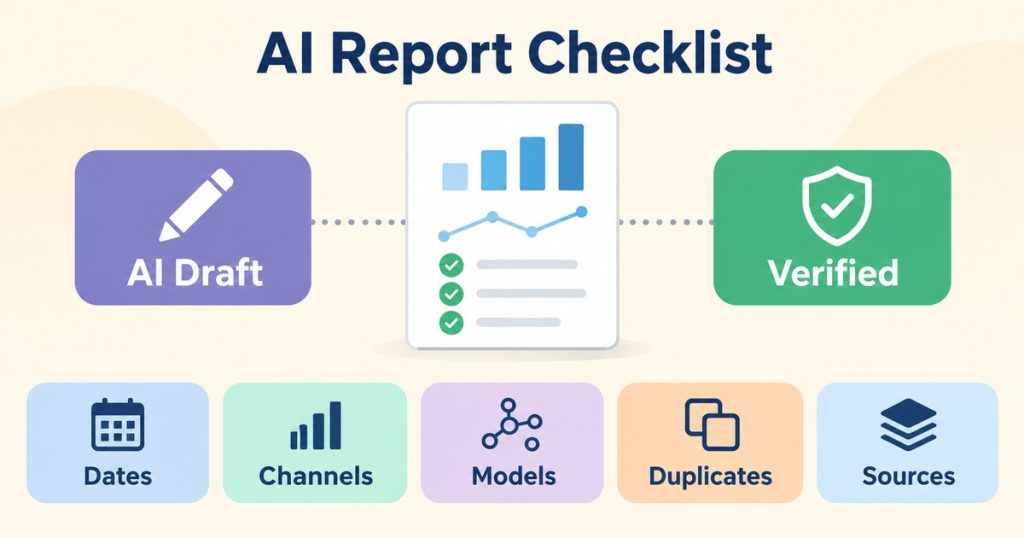
AI Marketing Report Accuracy Checklist: 9 Essential Checks
Table of Contents
ToggleThe AI marketing report accuracy checklist
1. Close the month only after the data settles
Do this: schedule the report run a few days after the period ends, not on the first morning of the new month. Google’s GA4 data freshness article says data processing can take 24 to 48 hours, during which data in your reports may change, and that some data can arrive up to 7 days late.If it fails: if the report has to go out early, state the date the data was pulled and mark the last days of the period as not yet settled.2. Allow for attribution drift
Do this: treat key event attribution as provisional for a while after the period closes. The same Google article says attribution credit for key events can change for up to 12 days after the key event is recorded.If it fails: note that channel credit for recent key events may still change, and avoid ranking channels on a gap smaller than that movement could explain.3. Use the same channel definitions everywhere
Do this: make sure every table in the report groups traffic the same way. Google’s custom channel groups article says custom groups are not supported in the BigQuery export schema or in Key events paths reports, so a pipeline that mixes GA4 reports with a BigQuery export can end up using two different channel definitions without saying so.If it fails: name the channel definition used for each table, and do not add or compare totals that use different definitions.4. Look for an “(other)” row
Do this: scan every breakdown the report relies on for an “(other)” row and note its share of the total. Google’s cardinality article says dimensions with more than 500 unique values in one day are high cardinality, that Google Analytics has a cardinality limit of 50,000 values, and that data beyond a report’s row limit is grouped into the “(other)” row.If it fails: show the “(other)” row in the table with its share, and say that the breakdown above it is incomplete by that amount.5. Separate modelled numbers from observed ones
Do this: check whether the GA4 property uses behavioural modelling before mixing its numbers with other sources. Google’s behavioural modelling article lists thresholds of at least 1,000 events per day with analytics_storage denied for at least 7 days, and at least 1,000 daily users with analytics_storage granted on at least 7 of the previous 28 days. It also says modelled data is only included when there is high confidence of model quality, and that data export, for example BigQuery export, is not supported.If it fails: label any figure that may include modelled data as an estimate, and keep it apart from BigQuery or CRM figures in the same table.6. Check for double counted conversions
Do this: if conversions reach Meta from both the browser and the server, confirm they are deduplicated. Meta’s deduplication guide matches events by ID and name: the Pixel’s eventID must match the Conversions API’s event_id, and the event names must match. Meta discards the later copies within 48 hours, and it does not deduplicate events when only one source is used, browser only or server only.If it fails: state that conversion counts may include duplicates, and do not let the commentary call a rise in conversions real growth until the duplicates are ruled out.7. Put the source and calculation beside every number
Do this: for each number in the report, record where it came from and how it was calculated, for example “GA4, key event purchase, date range, sum of daily values”. This is my own method, not a Google or Meta rule, and it is the check in this AI marketing report accuracy checklist that makes every other one possible to audit.If it fails: remove the number, or mark it as untraced. A number nobody can trace should not drive a decision.8. Show every failed or skipped check
Do this: list the result of every check in the report, including checks that failed and checks that could not run, for example because a data source was unavailable. In my own method, these are never hidden.If it fails: if the report has no place for failed checks, add one. A report that only shows passes reads as more certain than it is.9. Match the AI commentary to the table
Do this: read every sentence of the AI written commentary against the computed numbers. Each claim of growth, decline or cause should point to a value in the table. In my method, commentary is written only from computed values, and my reporting service builds that rule into the report.If it fails: delete or rewrite any sentence the table does not support, and never let a summary state a number the table does not show.A report footer you can copy
Add a short footer to every report so the reader knows how far to trust it. Fill it in from the AI marketing report accuracy checklist above:Data pulled on: [date and time] Date range settled: yes / no Checks failed: [list, or none] Checks not run: [list and reason, or none] Estimated figures: marked as estimated in the tablesIf your reports also cover traffic from AI assistants, the guide on GA4 AI traffic tracking covers that traffic in GA4, which helps keep check 3 consistent.